The Blueprint in Your Broom Closet: Who Really Owns Your Home's Digital Floor Plan
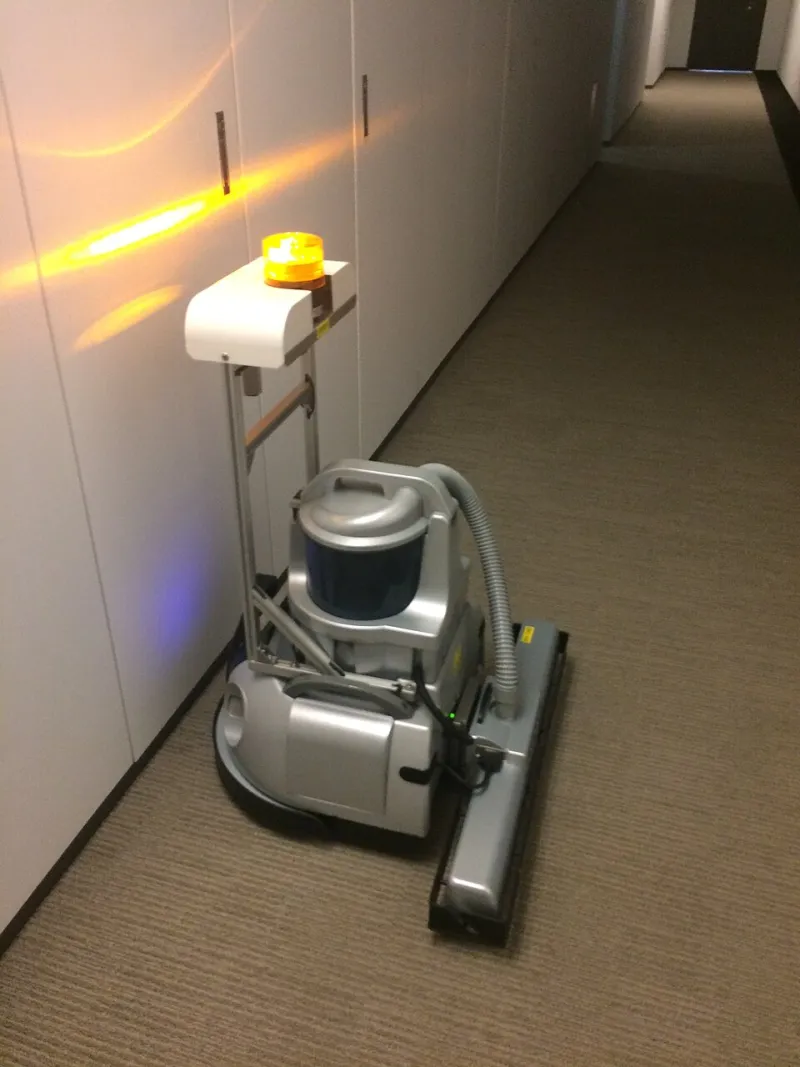
Photo: Ryan McBride, CC BY 2.0, via Wikimedia Commons
There's a decent chance the most detailed architectural drawing of your home wasn't made by an architect. It was made by a hockey puck on wheels that sucks up Cheerios.
Modern robot vacuums use LiDAR sensors and cameras to build floor plans accurate down to the centimeter — every doorway, every piece of furniture, every room's dimensions. Add a video doorbell logging every visitor, plus indoor cameras that track motion zone by zone, and the result is something remarkably close to a complete behavioral profile of your household: where things are, who comes and goes, and when you're home.
The question nobody asks at checkout is a simple one: where does all of that go?
What These Devices Actually Record
Start with the vacuum. Brands like Roborock, Ecovacs, and iRobot's Roomba line generate persistent maps that don't just show rooms — many log cleaning frequency per room, which is a tidy proxy for which rooms you actually use. Some models with camera-based navigation capture low-resolution images of your home's interior as part of obstacle avoidance. iRobot sparked backlash in late 2022 when a Reuters report revealed its test robots had sent images of private home interiors (including one on a toilet) to gig workers annotating training data. The company said this involved beta units with consent, but the episode made one thing clear: the sensor data exists, and it can leave the device.
Video doorbells add a different layer. Ring, owned by Amazon, confirmed in 2022 that it had disclosed camera footage to law enforcement without owners' consent in a handful of cases — a practice it says it ended. Ring's Neighbors app has also faced scrutiny for how law enforcement partnerships were structured before Amazon restricted police access in 2024.
Indoor cameras round it out. Many ship with optional cloud AI that classifies people, pets, and packages — meaning your footage is processed, and often stored, on servers you don't control.
Reading the Fine Print (So You Don't Have To)
We pulled privacy policies from five major smart home brands and looked for three things: what's collected, how long it's kept, and whether it's shared.
The patterns are consistent. Most policies state that map data and device telemetry are collected to "provide and improve the service" — language broad enough to cover model training. Retention windows vary wildly, from 30 days for doorbell clips to indefinite storage for account-level data. And several policies include sharing with "service providers" and "business partners," which is the clause that quietly connects your data to the broader ecosystem.
That ecosystem matters. Data brokers aggregate information from countless sources, and while there's no evidence your vacuum's floor plan is being sold on an open exchange, the Federal Trade Commission has repeatedly flagged smart device manufacturers for using collected data in ways consumers never reasonably expected. In 2023, the FTC proposed a rule targeting commercial surveillance and banned BetterHelp from sharing health data with advertisers — a signal of where regulators think the lines should be.
The Law Enforcement Question
Under the Electronic Communications Privacy Act, police can request stored smart home data with a subpoena — no warrant required for certain categories. Amazon's and Ring's transparency reports show thousands of government information requests annually, and while most involve non-spatial data, the legal machinery applies to everything a company stores. If your floor plan lives on a manufacturer's cloud, it lives inside that machinery.
Your Lockdown Checklist
The good news: you have more control than the average buyer realizes. Here's the practical version.
1. Keep maps local where possible. Some vacuums and camera hubs offer local storage or offline mapping. If your model supports processing on-device or on a local hub, use it — data that never uploads can't be requested.
2. Delete your map history on a schedule. Most apps let you wipe stored maps and clips. Set a quarterly calendar reminder and treat it like a smoke detector battery check.
3. Turn off cloud AI features you don't use. Person detection, cloud activity zones, and "smart suggestions" often require server-side processing. If you don't need them, disable them.
4. Audit third-party integrations. Every Alexa routine, Google Home connection, or IFTTT applet is another party with potential access. Revoke anything you forgot about.
5. Use a dedicated email for smart home accounts. It reduces cross-linking with your main identity and makes breach fallout easier to contain.
6. Check for two-factor authentication — and turn it on. Your floor plan is behind a login. Make that login hard to steal.
7. Read the deletion policy before you buy. If you sell or trash a device, can you purge your data from the company's servers? If the policy doesn't say, that's your answer.
Smarter, Not Just Connected
None of this means you should toss your robot vacuum back to 2003 and start pushing a clunky upright around. Spatial data is genuinely useful — it's why the thing cleans your kitchen before guests arrive instead of wandering aimlessly.
The point is that "smart" should mean you're the one in control of the intelligence. A home that maps itself is only convenient as long as the blueprint stays yours. Fifteen minutes of settings changes is a small price to keep it that way.